Unity runtime commands framework
Execute at runtime—no rebuilds. Tag with [JahroCommand] or register dynamically. Text mode for speed; Visual mode for discovery. Built-in safety and mobile-first UX.
Custom debug menus break your workflow
Rebuilds kill speed
Changes require rebuilds and restarts.
Menus become debt
Hardcoded UIs break with refactors.
Not safe for prod
No lifecycle/permissions; risky for live-ops.
Fragmented tools
Different systems for logs, cheats, ops.
One framework for all operational actions
Production-ready runtime commands
Tag methods with [JahroCommand] or register dynamically at runtime. Parameters, overloads, and type validation included.
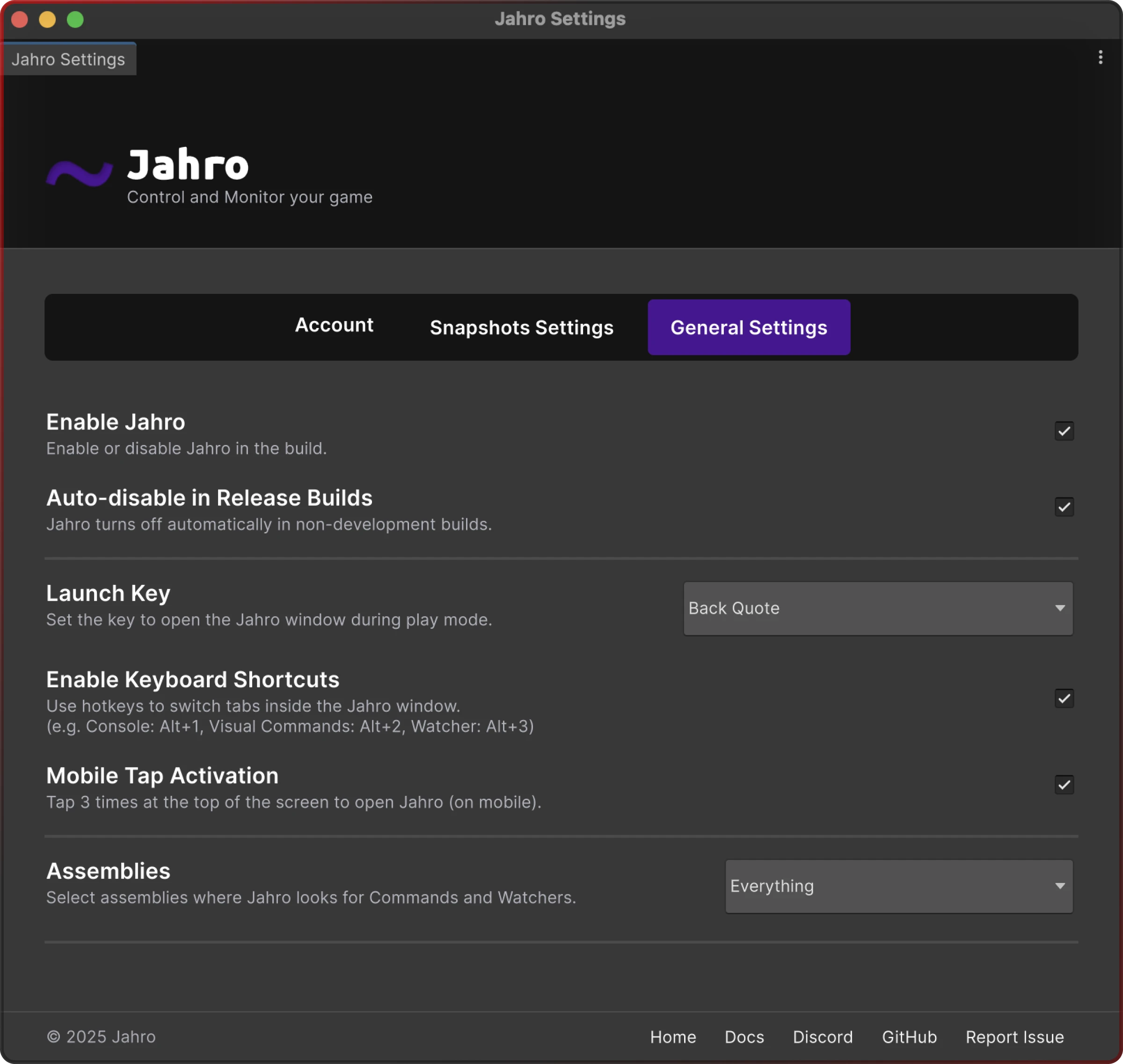
Safety built-in: lifecycle controls, auto-disable in release, and granular permissions.
Dynamic registration
Add/remove commands at runtime (delegates/lambdas). Overloads resolve automatically. Ideal for temporary ops, plugins, and modding.
How it works
Attribute-based commands
When to use:
• Most commands. Simple
• declarative approach for permanent game features and debug actions.
Dynamic command registration
When to use:
• Runtime flexibility
• conditional commands
• plugin systems
• modding support.
// Register a command dynamically
  JahroCommand.Register("spawn_enemy", SpawnEnemyAtPosition);

  // With parameters and overloads
  JahroCommand.Register("teleport", (Vector3 pos) => TeleportPlayer(pos));
  JahroCommand.Register("teleport", (string location) => TeleportToLocation(location));

  // Unregister when done
  JahroCommand.Unregister("spawn_enemy");
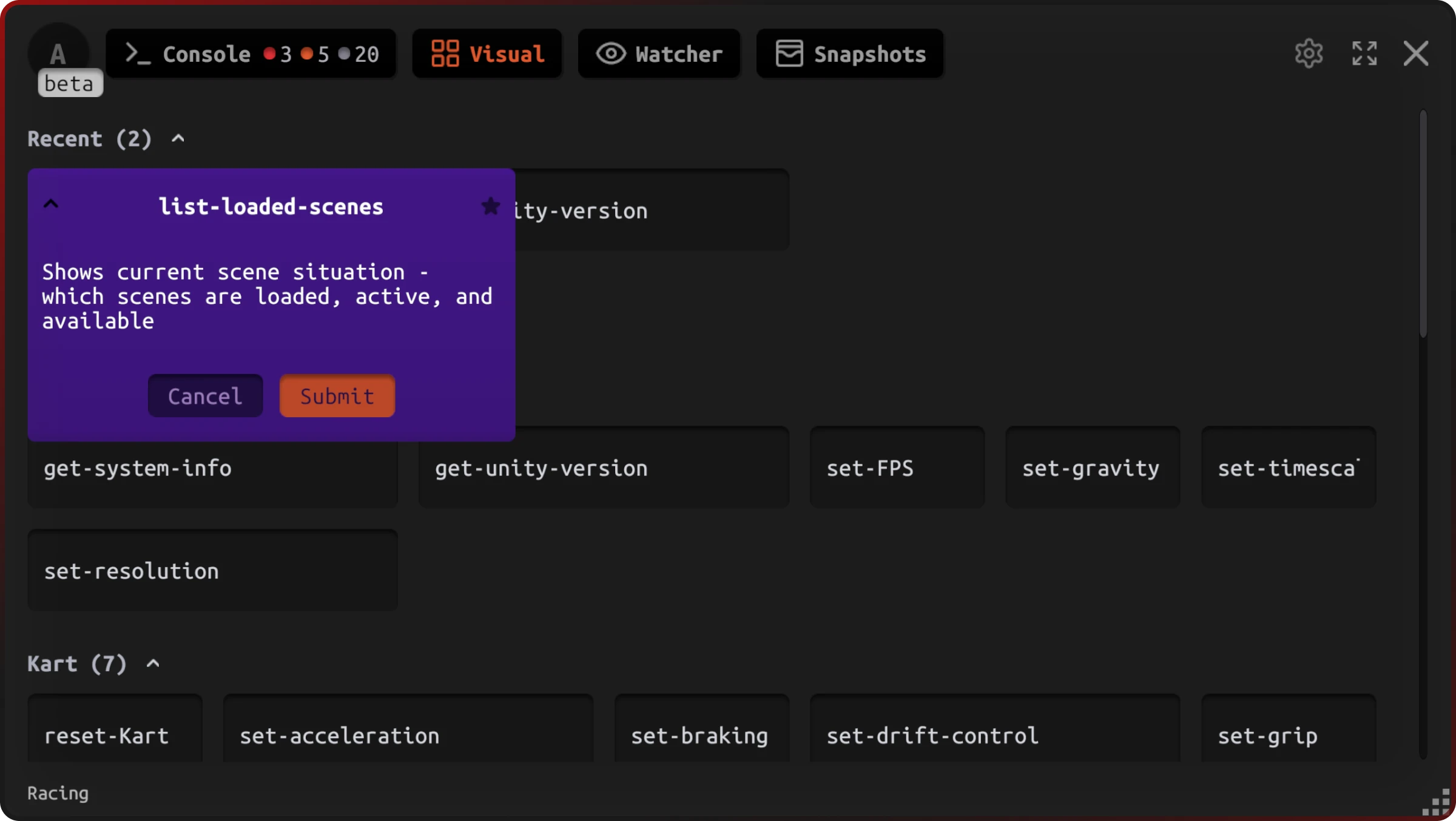
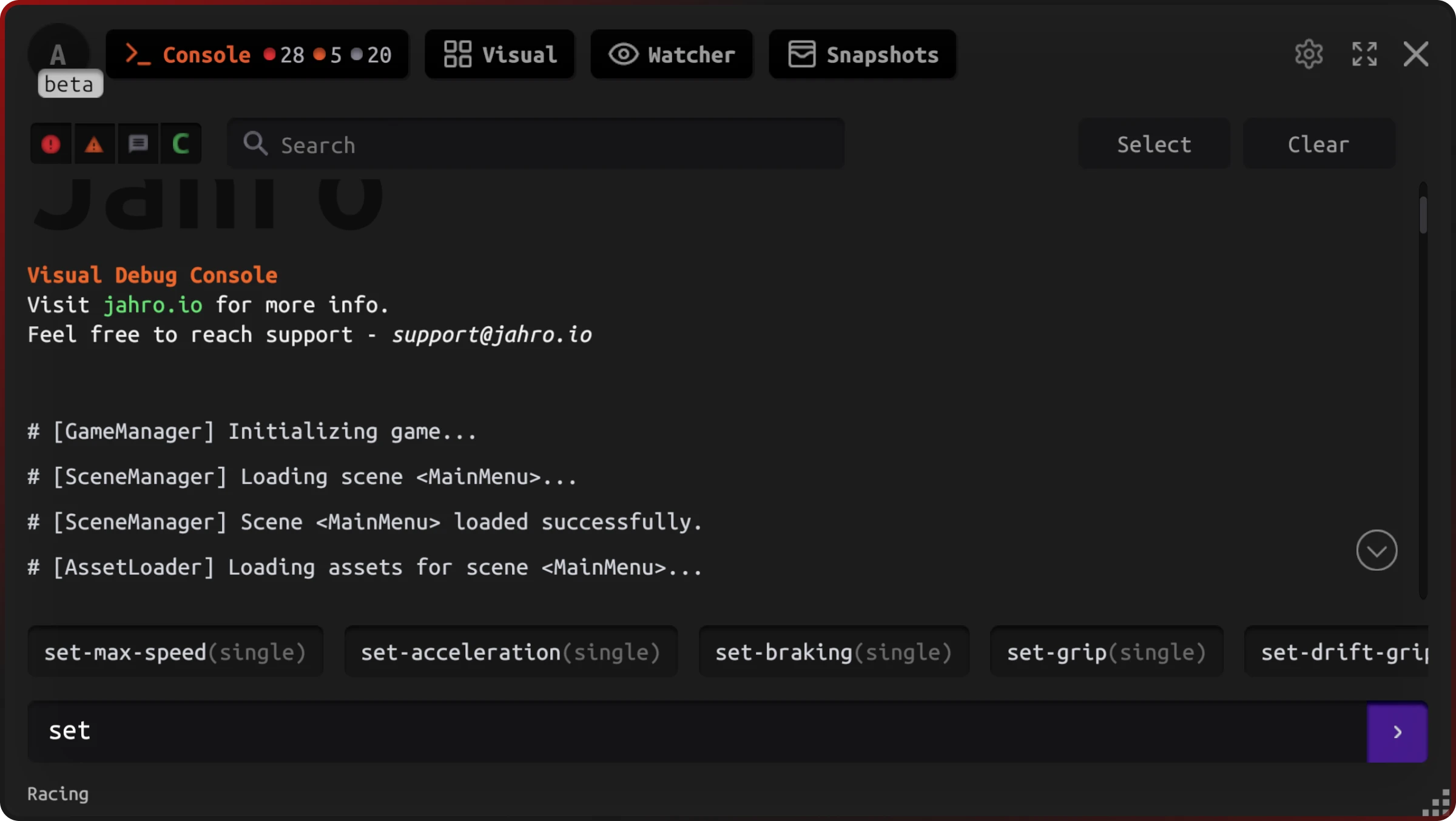
Text mode — speed
When to use:
• Power users who know command names. Fast execution with minimal UI friction.
Visual mode — discovery
When to use:
• Non-technical users
• complex parameters
• command discovery
• mobile devices.
Mobile-first UX
When to use:
• Device testing
• QA workflows
• production tuning on mobile
• AR/VR experiences.
Production safety
When to use:
• Live-ops
• production tuning
• controlled diagnostics
• stakeholder access.
Snapshots integration
Commands, outputs, logs, and screenshots are captured together. Share one link with full context.
Logs & audit trail
See who ran what, when, with which params and results. Filter and search history.
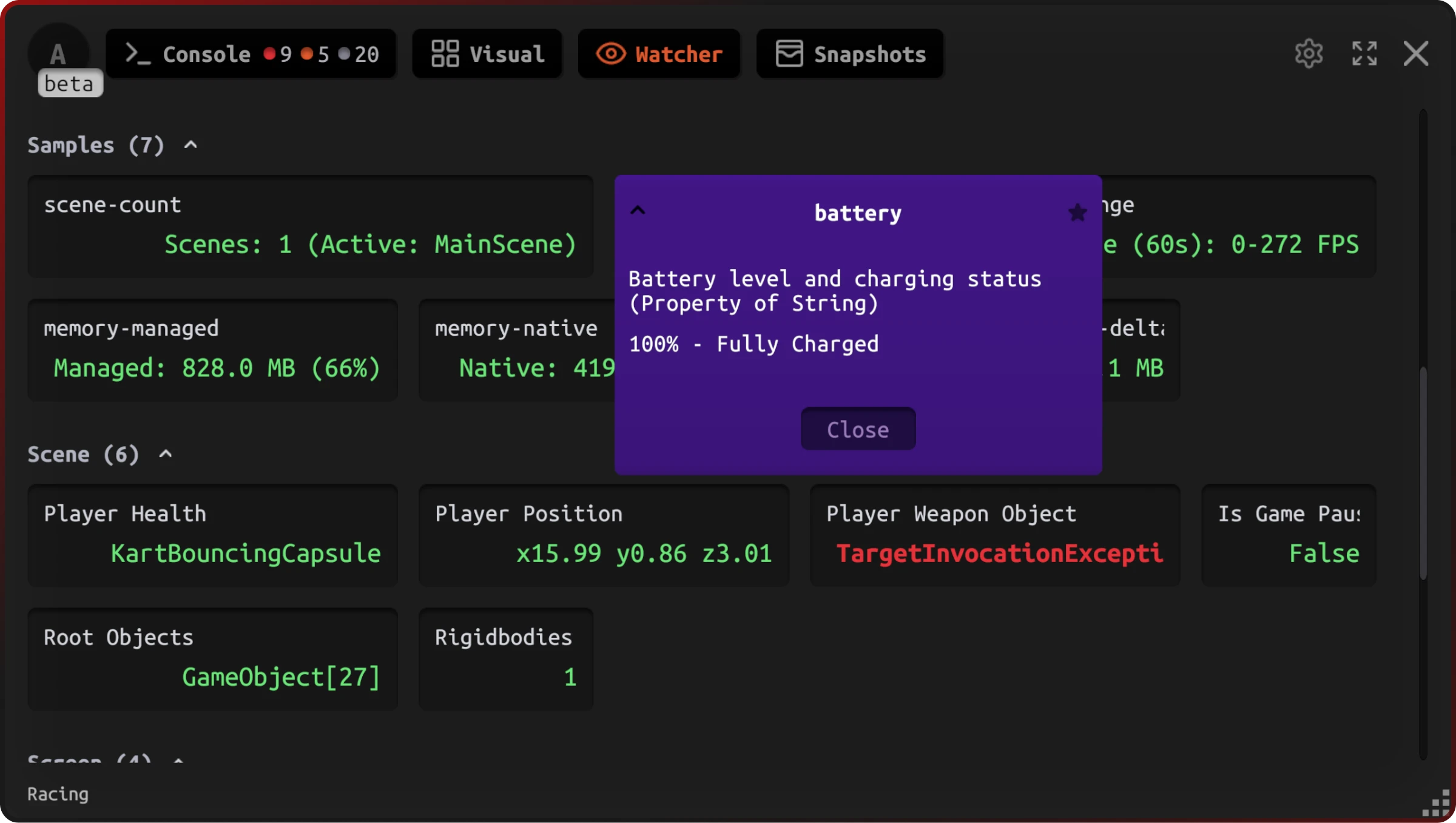
Live watcher
Monitor variables in real time as commands run—no log spam. Tune, observe, repeat.
How teams use runtime commands
Live ops
Change values, trigger events, run diagnostics—no deployments.
Tuning & balance
Adjust in real time and verify with watcher.
QA speed
Skip flows, spawn items, trigger edge cases without rebuilds.
Stakeholder tests
Safe visual controls for non‑technical teammates.
Why teams choose Jahro commands
No rebuilds
Execute commands at runtime. Test immediately. Ship faster with shorter iteration cycles.
Single framework
One system for all operational actions. Consistent interface, less maintenance overhead.
Mobile-optimized
Gesture controls, responsive design, touch-friendly UX. Works great on devices.
Production-safe
Lifecycle controls, auto-disable policies, audit trails. Use confidently in live games.
Flexible registration
Attribute-based or dynamic. Static methods or runtime delegates. Fits any architecture.
Complete integration
Works with logs, snapshots, and watcher. Full debugging ecosystem in one platform.
Start using runtime commands today
Add via UPM. Tag with [JahroCommand] or register dynamically. Execute without rebuilds—safely.