Dev-QA collaboration
with one link
Unity snapshots capture logs, screenshots, and device metadata so QA shares one link and devs get the full story. No USB cables, no ADB logcat, no Xcode console—just in-game capture and shareable links.
Typical problems in Unity game development collaboration
Missing details
Screenshots live in Slack, Unity logs sit in ADB logcat or Xcode, and device metadata is forgotten. Context gets fragmented across tools.
Emailing logs
Yep, it's more common than it should be. It consumes time. QA repeats test runs on mobile devices; devs still lack Unity console logs and game state context.
Device-only bugs
Repro happens only on physical Android/iOS devices. Usually ADB logcat or Xcode access isn't available, or QA can't capture Unity logs.
Lack of context
A NullReferenceException alone isn't enough. You need Unity logs before the crash, screenshots showing the issue, and device info to understand the full context.
One link - full story
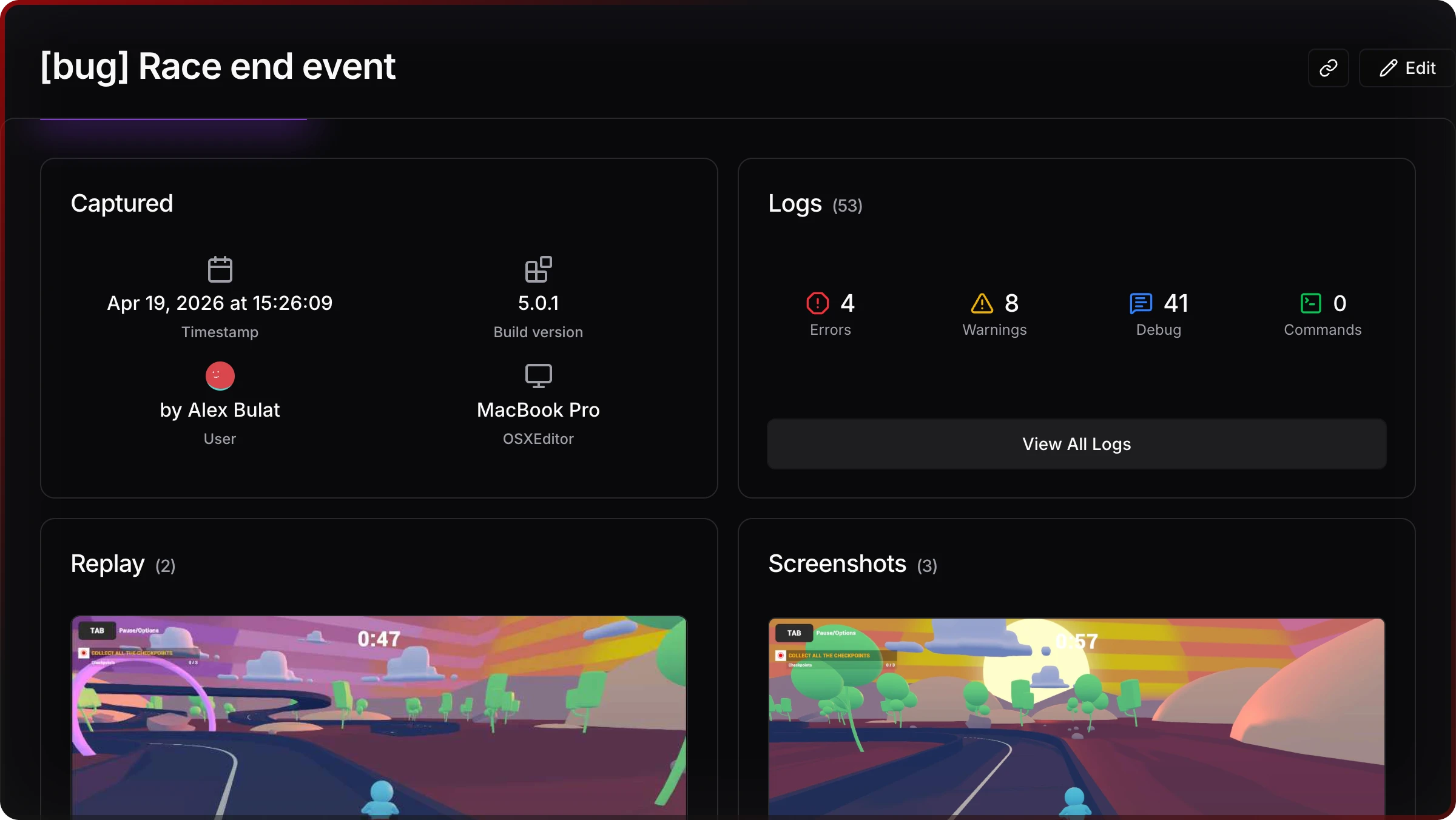
Jahro captures full Unity logs, screenshots, and adds device metadata automatically. QA shares a single link to snapshot — devs open it and see everything in order.
All the pieces in one workflow
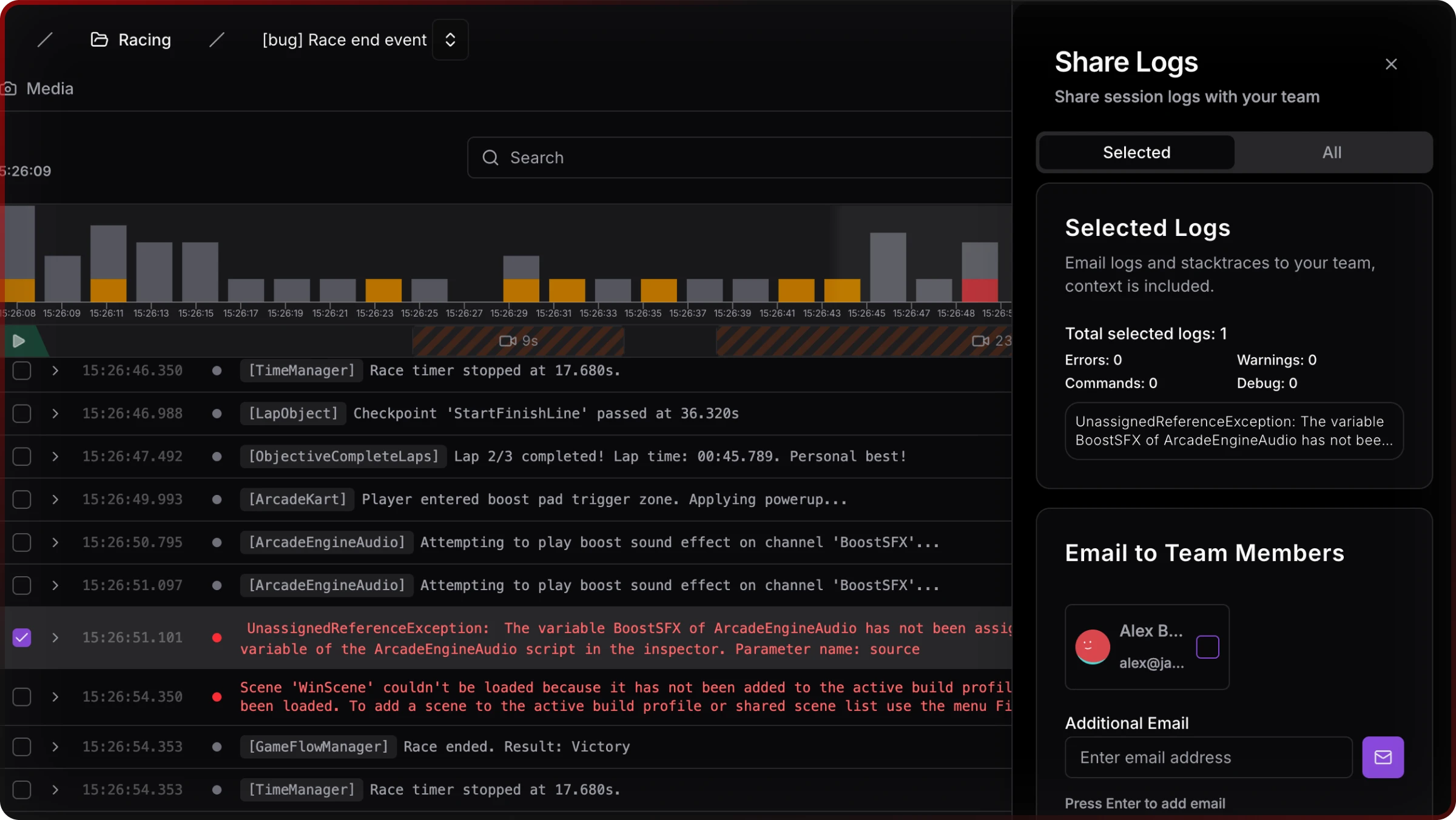
Shareable logs with complete context
When to use:
• mobile builds testing
• regression testing
• rc builds testing
• distributed teams
• playtests
• device specific bugs
Automatic Streaming
When to use:
• non-technical testers
• fatal exception tracking
• playtests
• device testing
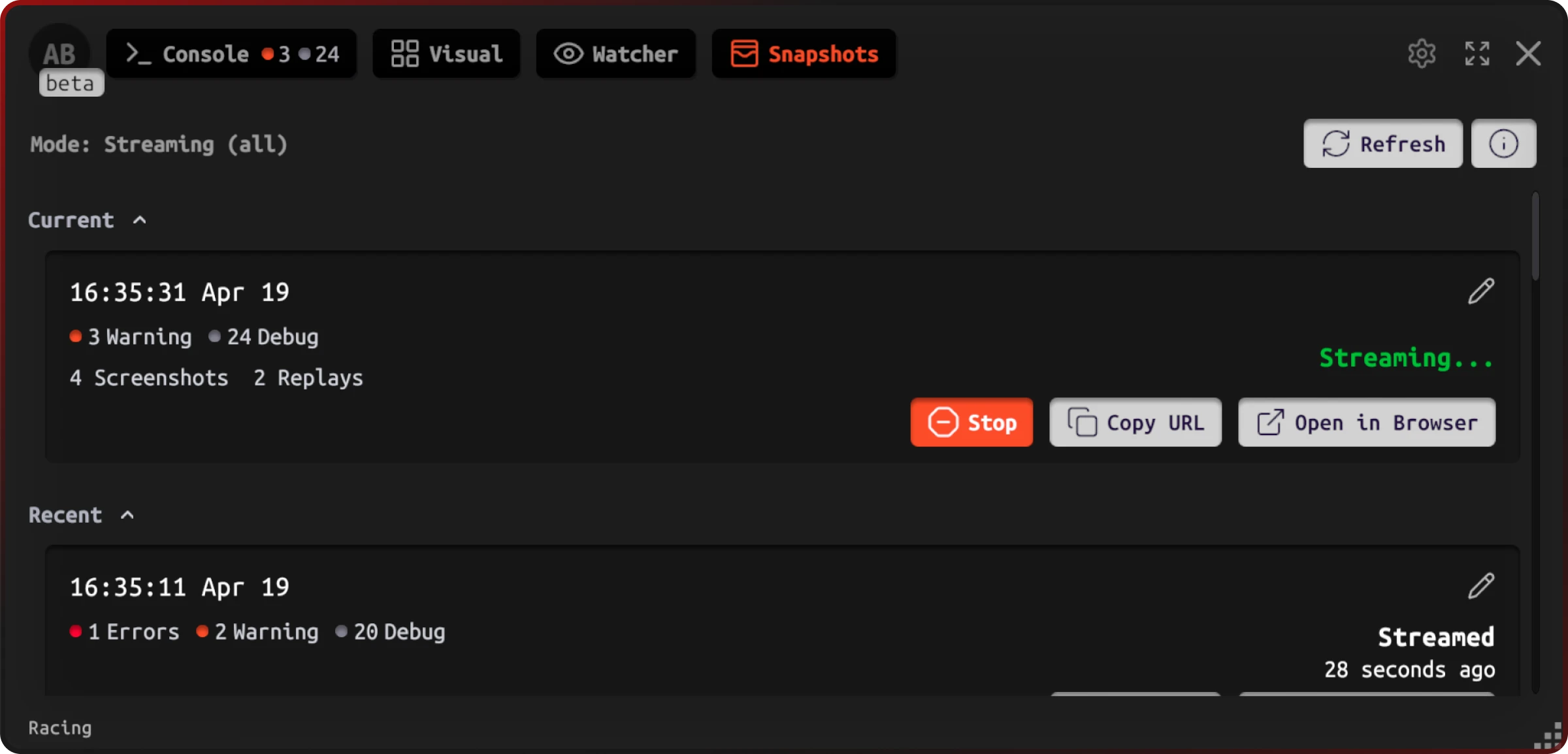
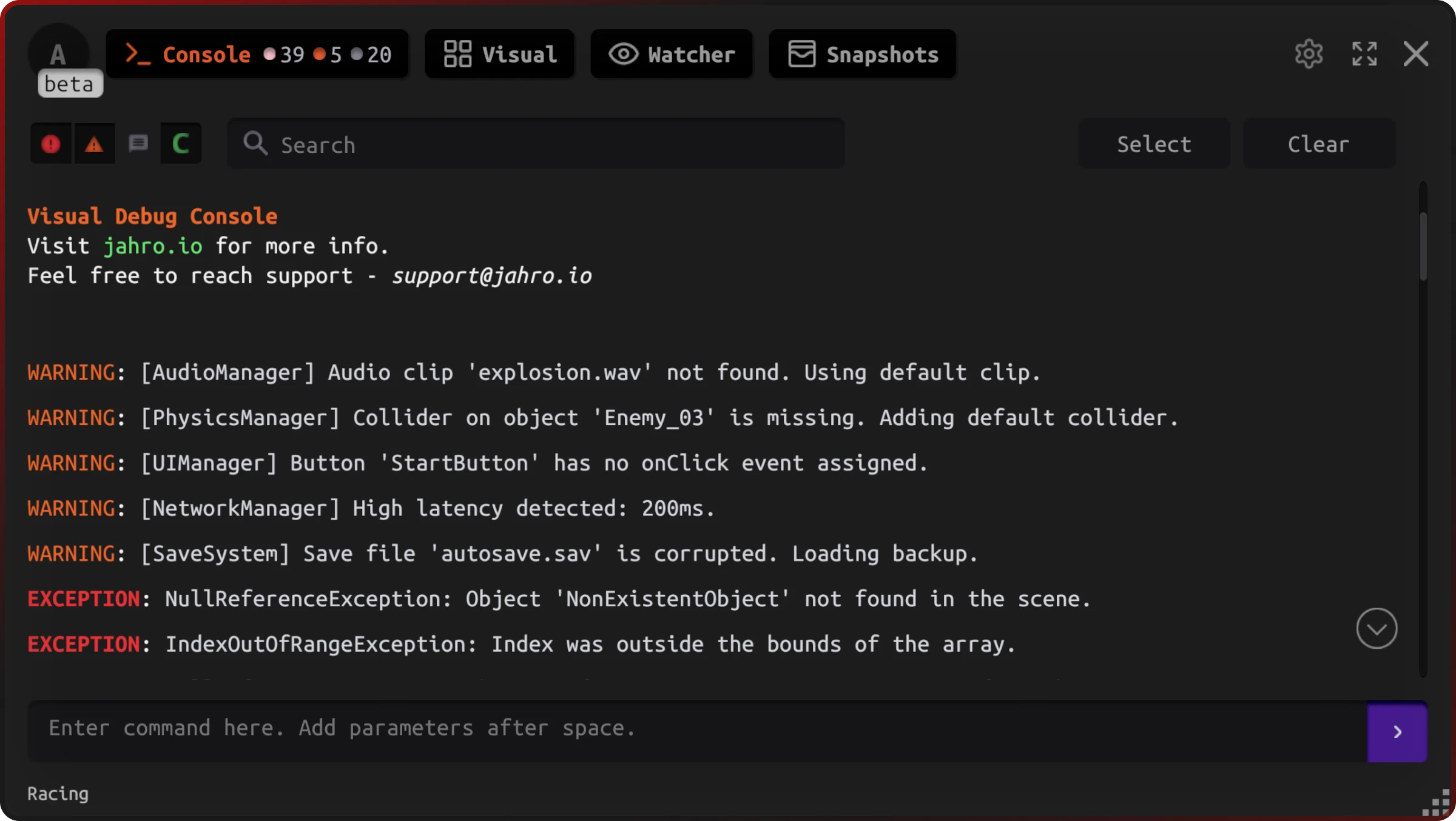
Unity logs in Game View
When to use:
• device debugging on Android
• device debugging on iOS
• AR/VR
• regression checks without USB
• fine-tuning game parameters
• commands output
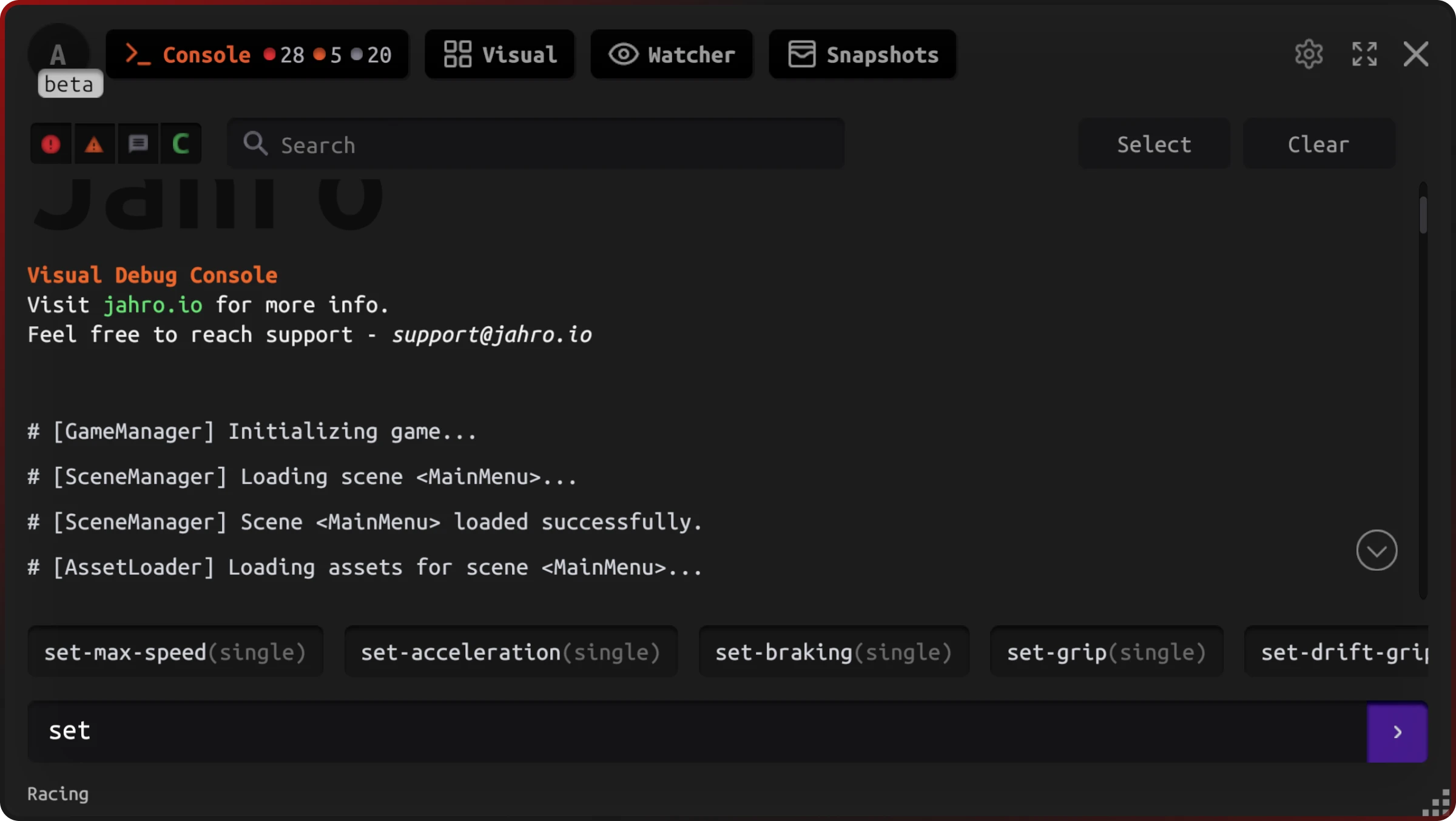
Control the game build with runtime commands/cheats
When to use:
• game build tuning
• game balance adjustments
• diagnostics during QA runs
• control game scenarios
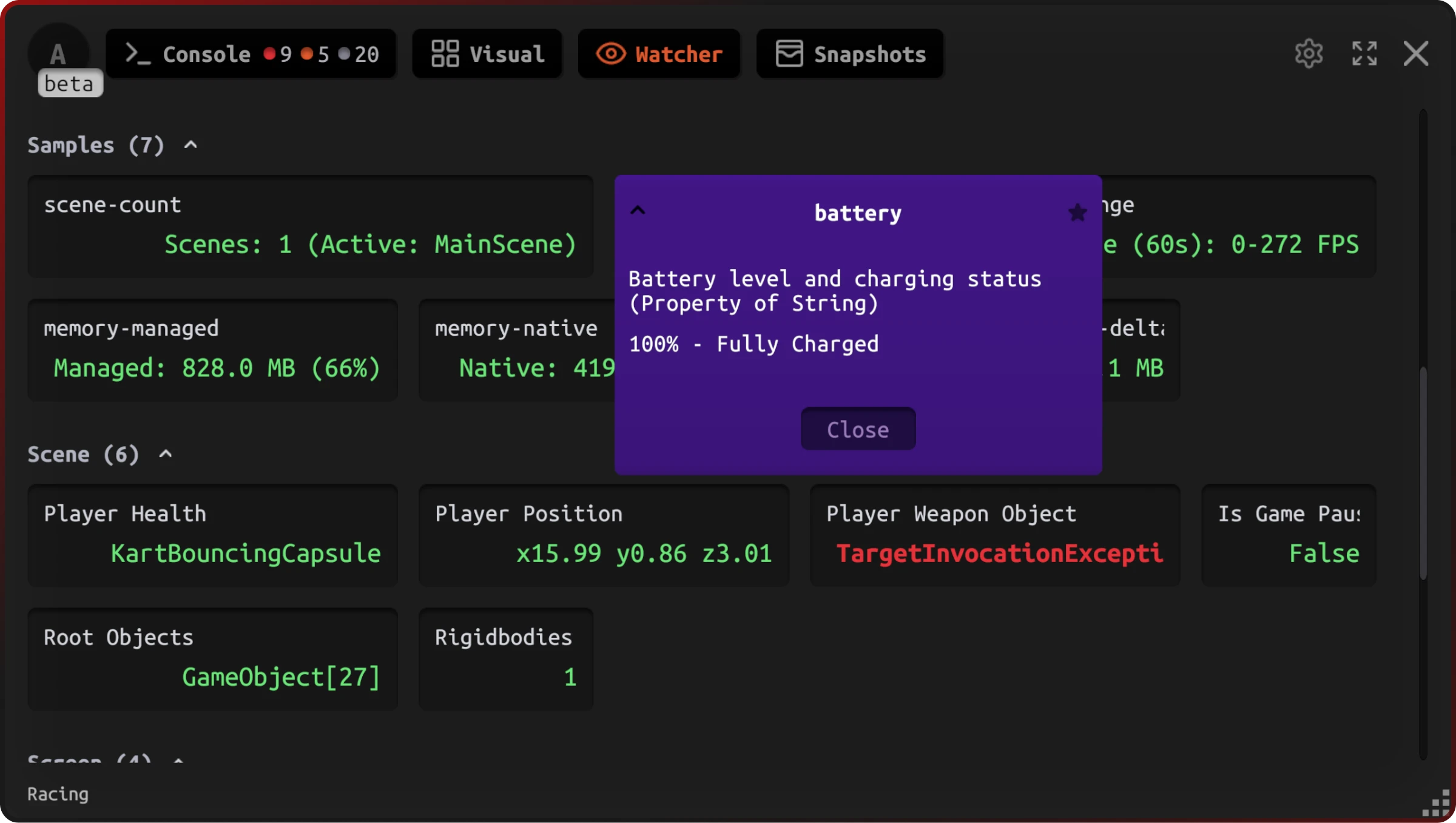
Real-time watcher without Unity log spam
When to use:
• fine-tuning game parameters
• performance monitoring on device
• states debugging
• calculations tracking
Share to your team in one click
When to use:
• understanding environment differences
• tracking device-specific issues
• version compatibility checks
How Unity game teams collaborate with Jahro
Dev-QA
QA captures Unity bugs on mobile devices and shares a snapshot link. Devs see Unity logs, screenshots, device info, and game state—no back-and-forth needed.
Distributed Unity teams
External QA vendors and remote testers share consistent, complete Unity debugging context with zero setup. No USB cables or Xcode access required.
Production Unity debugging
Capture device-only Unity crashes; add runtime commands for diagnostics; share snapshots for team review. Works on live builds without rebuilds.
Get Support. Share Feedback.
Join Discord CommunityWhat your Unity game team gains
Faster triage
One link with full Unity context. Fewer Slack messages; quicker bug fixes on mobile devices.
Less rework
Reduce Unity rebuilds and QA reruns. Capture device bugs and share context in one place.
Clear ownership
Every Unity bug report contains logs, screenshots, device metadata, and game state.
Complete context
Unity logs + screenshots + device metadata show the full story behind the crash or bug.
Reviews
"used to take me ~15 min to pull logs from device. now I get them with full context in seconds. snapshot is my new best friend."
"qa uploads a snapshot. I get logs, build version, platform and even a screenshot"
"So we're doing internal playtests with the publisher. They play, and we just watch everything from our end. it's kinda wild."
"way easier than emailing logs from test builds."
Align dev and QA on day one
Add via Unity Package Manager and improve collaboration in minutes. Works on Android, iOS, and all Unity platforms.