Stop chasing Unity logs
across Slack
Snapshots bundle logs, screenshots, and device metadata into a shareable link. QA captures the bug — you open a link and fix it. No cables, no ADB, no Xcode.
"Used to take me ~15 min to pull logs from device. Now I get them with full context in seconds."Lead Unity Developer
Install in 3 minutes. Free for solo devs.
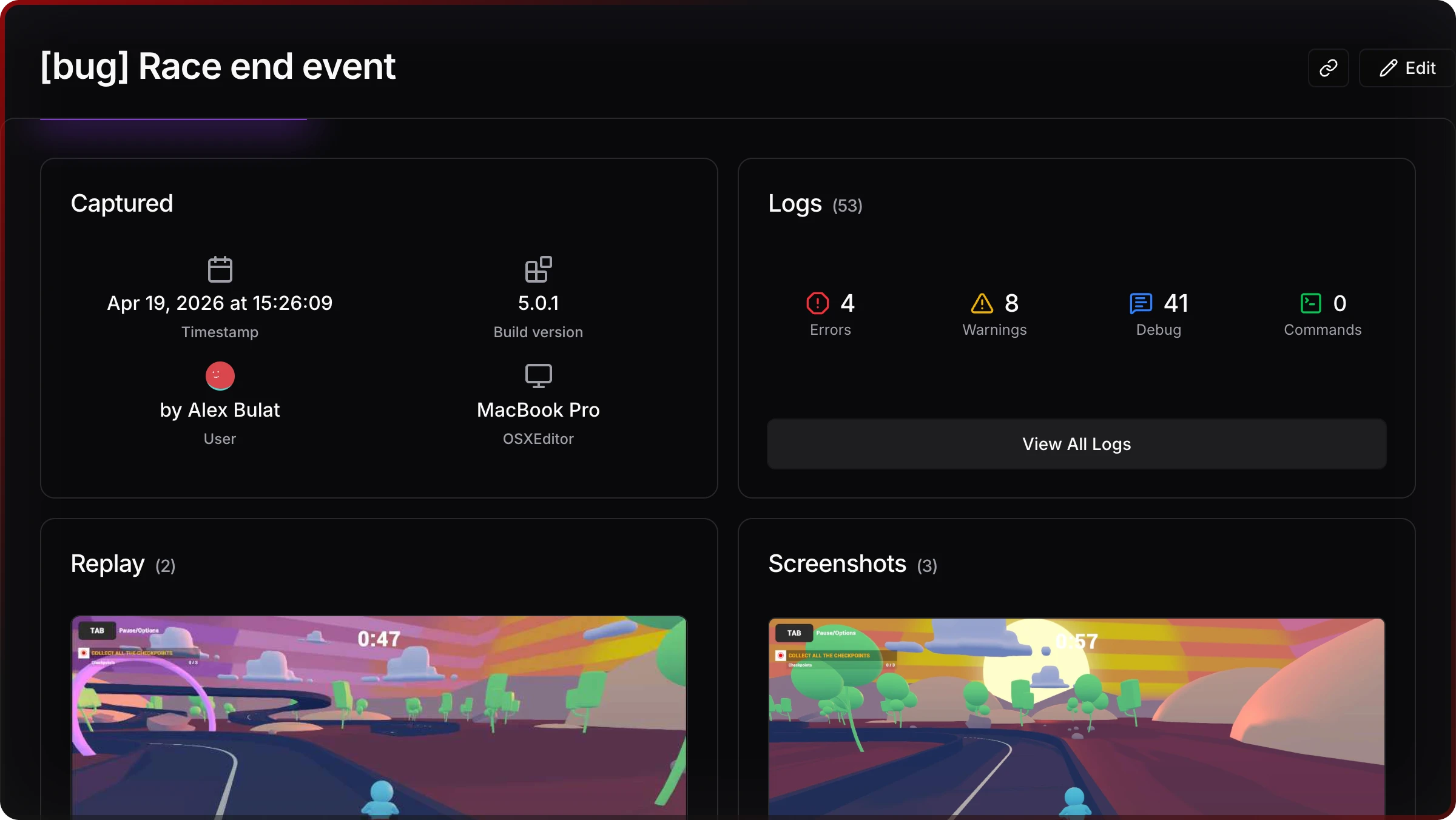
Bug to fix in 3 steps
QA hits a bug
Triple-tap opens Jahro console on the device
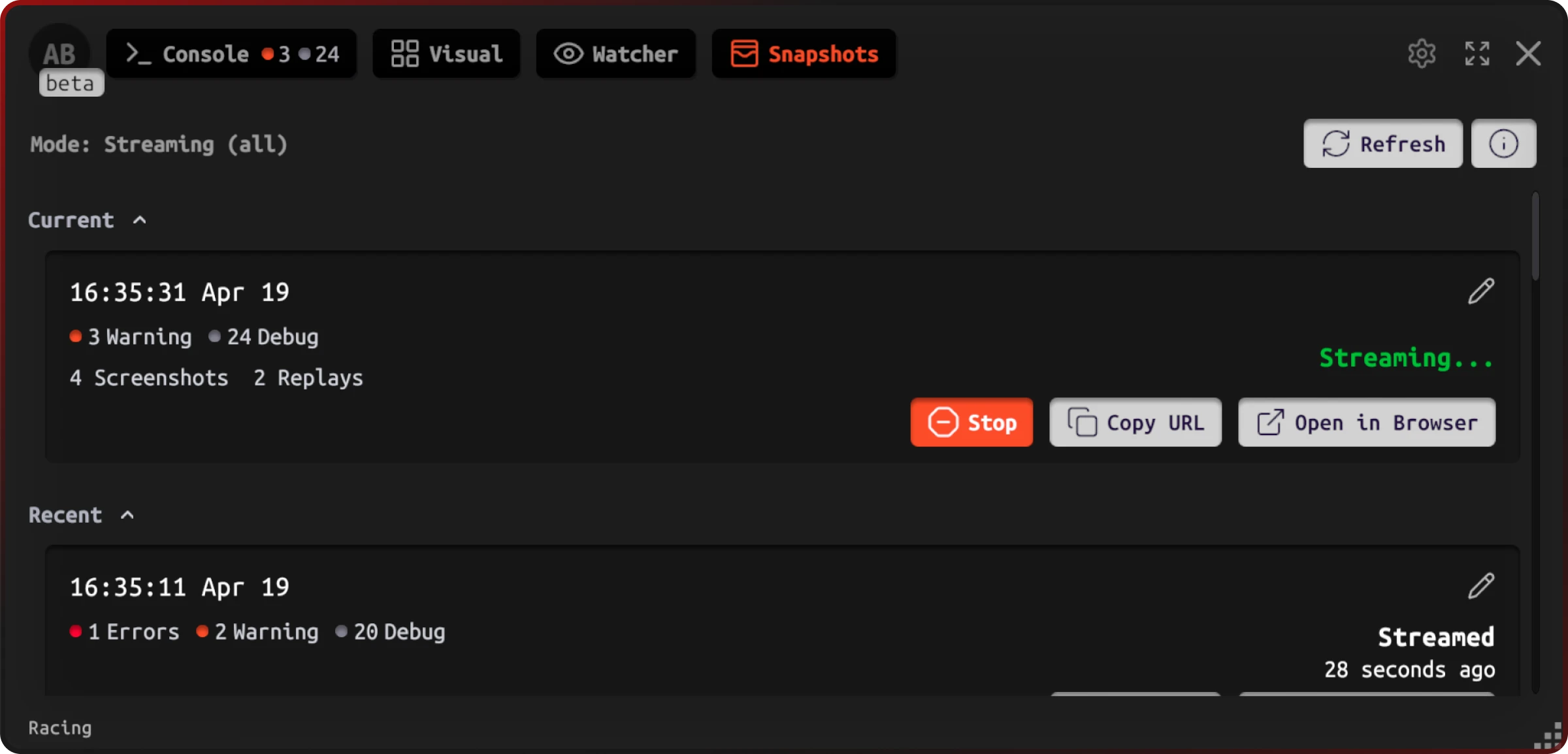
One tap captures everything
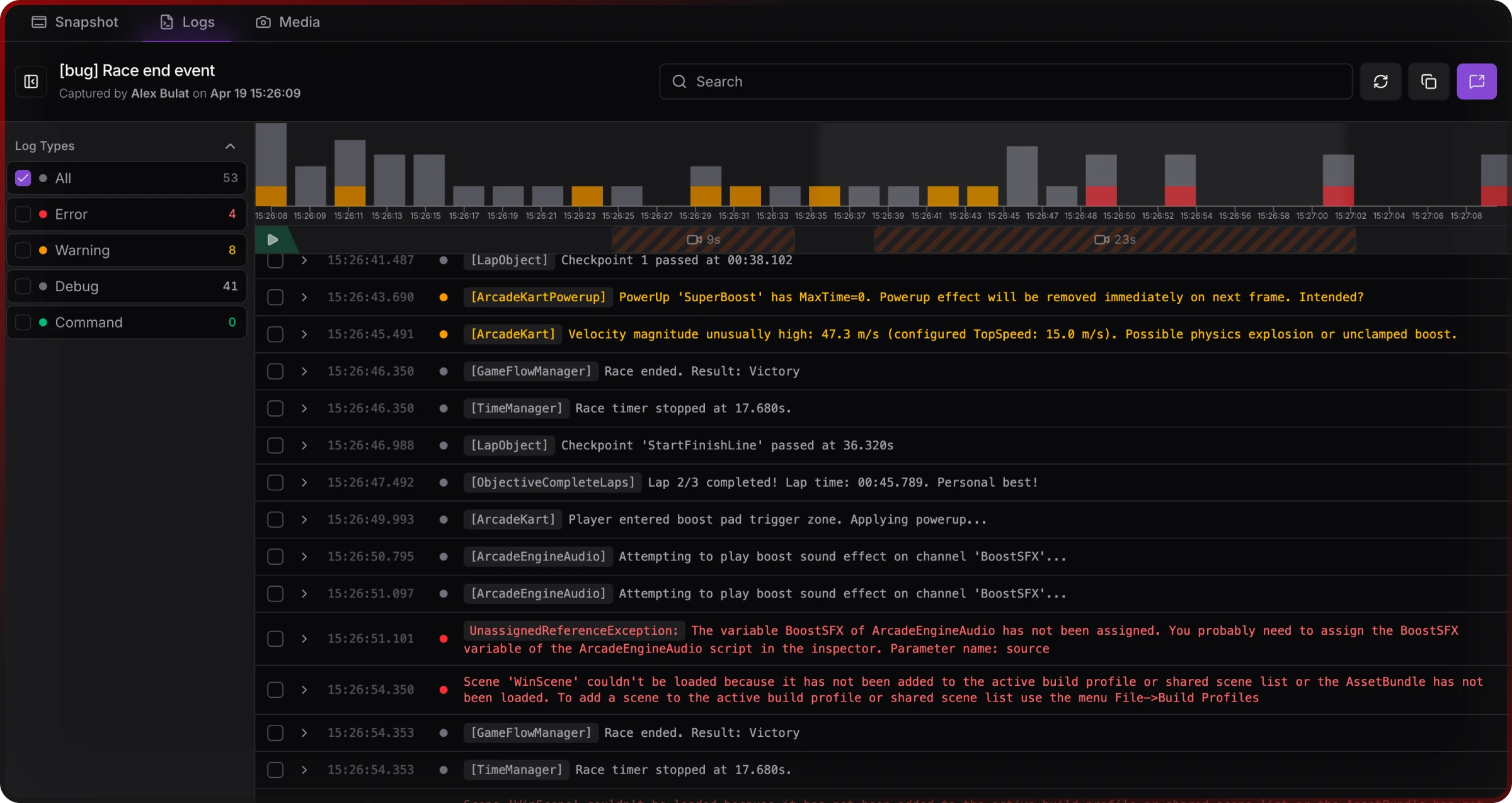
Logs, screenshot, device info — bundled into a snapshot
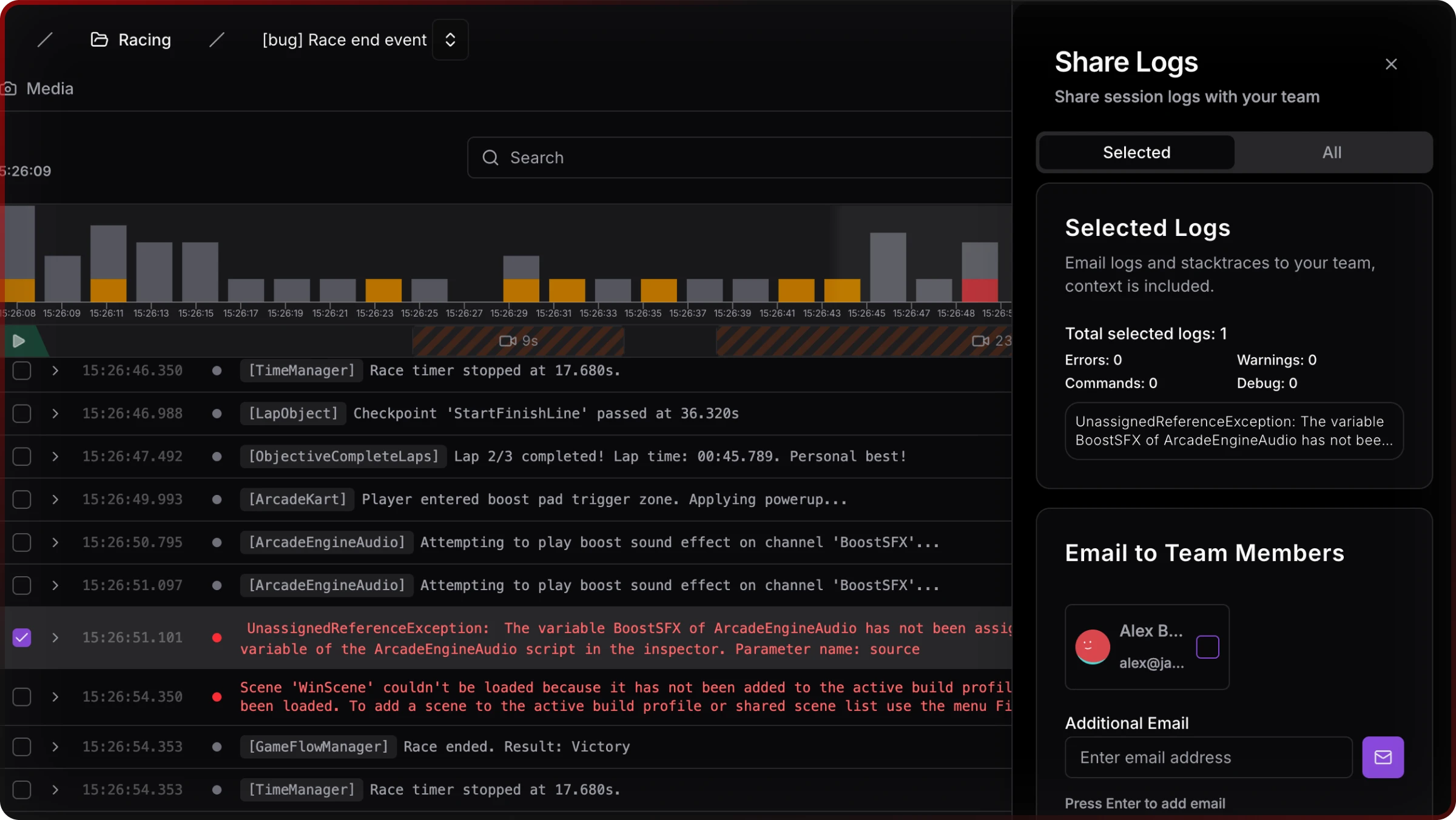
You open a link and fix it
Full context. No "can you reproduce?" No back-and-forth.
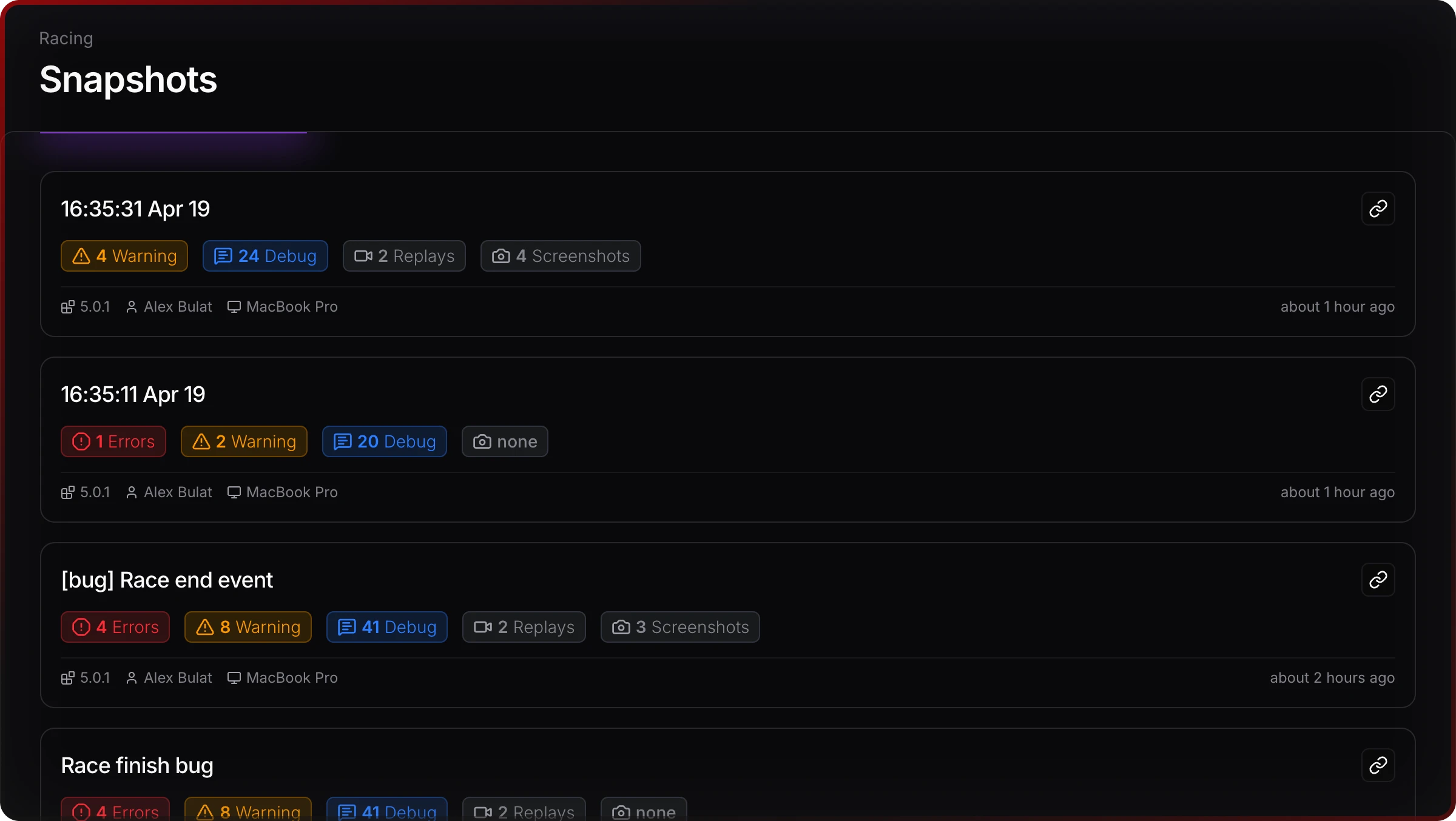
Everything your dev needs to fix it
Full log stream
Every Unity log with timestamps
Expandable traces
Stack traces expand inline
In-game captures
Screenshots alongside logs
Device metadata
Model, OS, build version
Filters & search
Find what matters fast
Two capture modes
Record locally or stream live
Works on Android, iOS, and every other Unity platforms. Unity 2021.3 LTS+
Teams ship faster with Jahro
"QA uploads a snapshot. I get logs, build version, platform and even a screenshot."
"So we're doing internal playtests with the publisher. They play, and we just watch everything from our end. It's kinda wild."
"Way easier than emailing logs from test builds."
Used by Unity teams across Europe · EU data storage (Frankfurt) · GDPR compliant · Free tier available
Built for how Unity teams actually work
QA → Dev handoff
QA captures the bug, shares the link. Dev opens it, has everything. Done.
Device-only bugs
Reproduce only on a phone? Snapshot captures the logs without ADB or Xcode.
Playtests & RC builds
Playtesters don't need technical skills. One tap captures what you need.
Distributed teams
External QA vendors, remote testers — same context, zero setup.
Quick answers
Setup time?
Under 2 minutes. Unity Package Manager → paste API key.
Performance hit?
Minimal in dev builds. Configurable streaming.
Pricing?
Free for solo devs. Team plans per seat. →
My Unity version?
2021.3 LTS+ · IL2CPP and Mono · All platforms
Data security?
EU storage (Frankfurt) · GDPR · Team-only access
Production safe?
Auto-disables in release builds.
Install in 3 minutes, see value in 5
Add Jahro via Unity Package Manager. Works on Android, iOS, and every Unity platform.