Screenshots Viewer
When a visual bug only shows up on device, the Screenshots Viewer is where you inspect and share the exact frame.
Screenshots captured during a snapshot session are stored and viewable here. They load in chronological order, so you can follow the sequence of events that led to a bug.
Opening the viewer
Go to your project dashboard → Snapshots list → click a session → Screenshots tab.
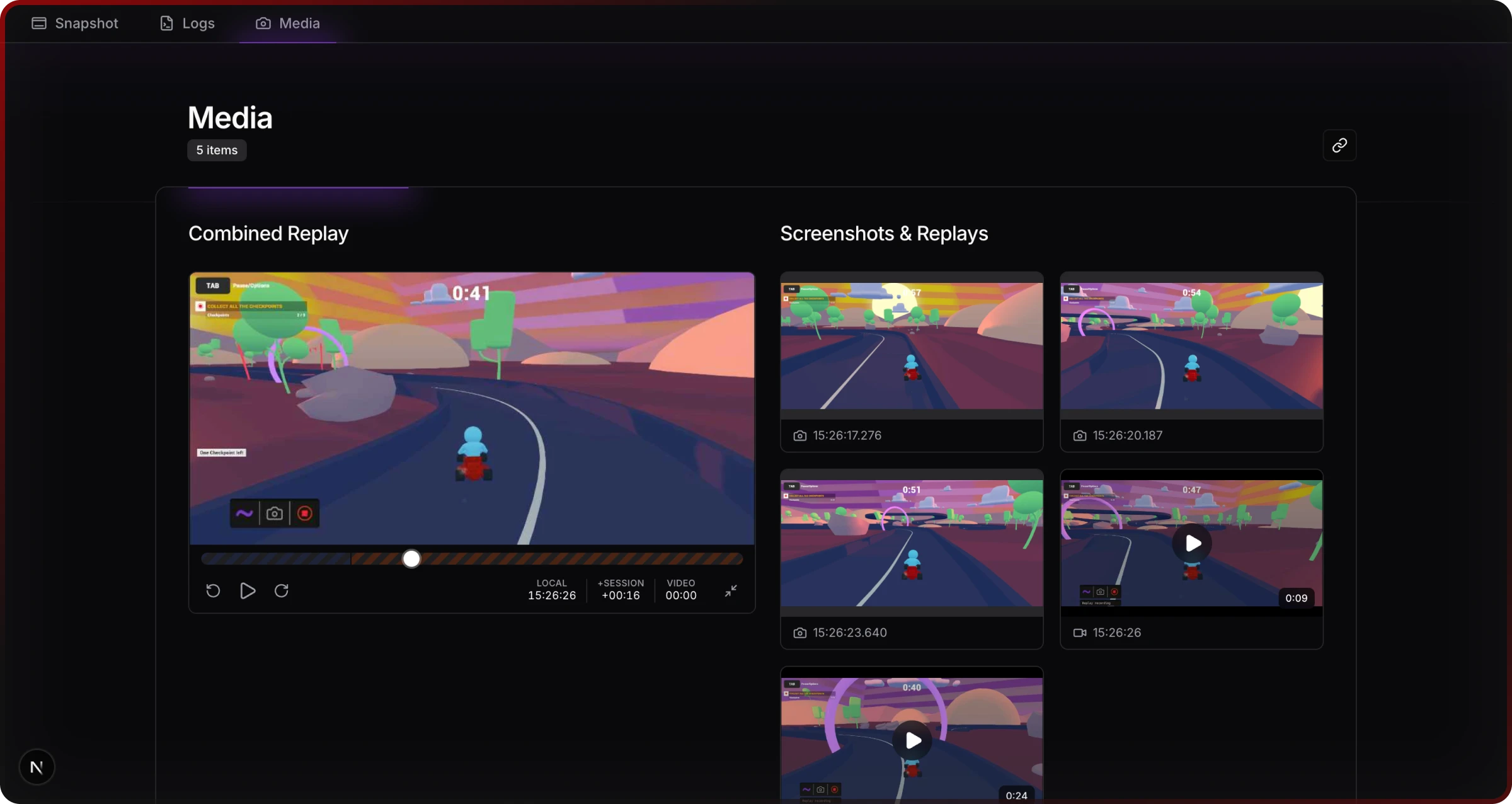
Full-screen view
Click any thumbnail to open the lightbox.
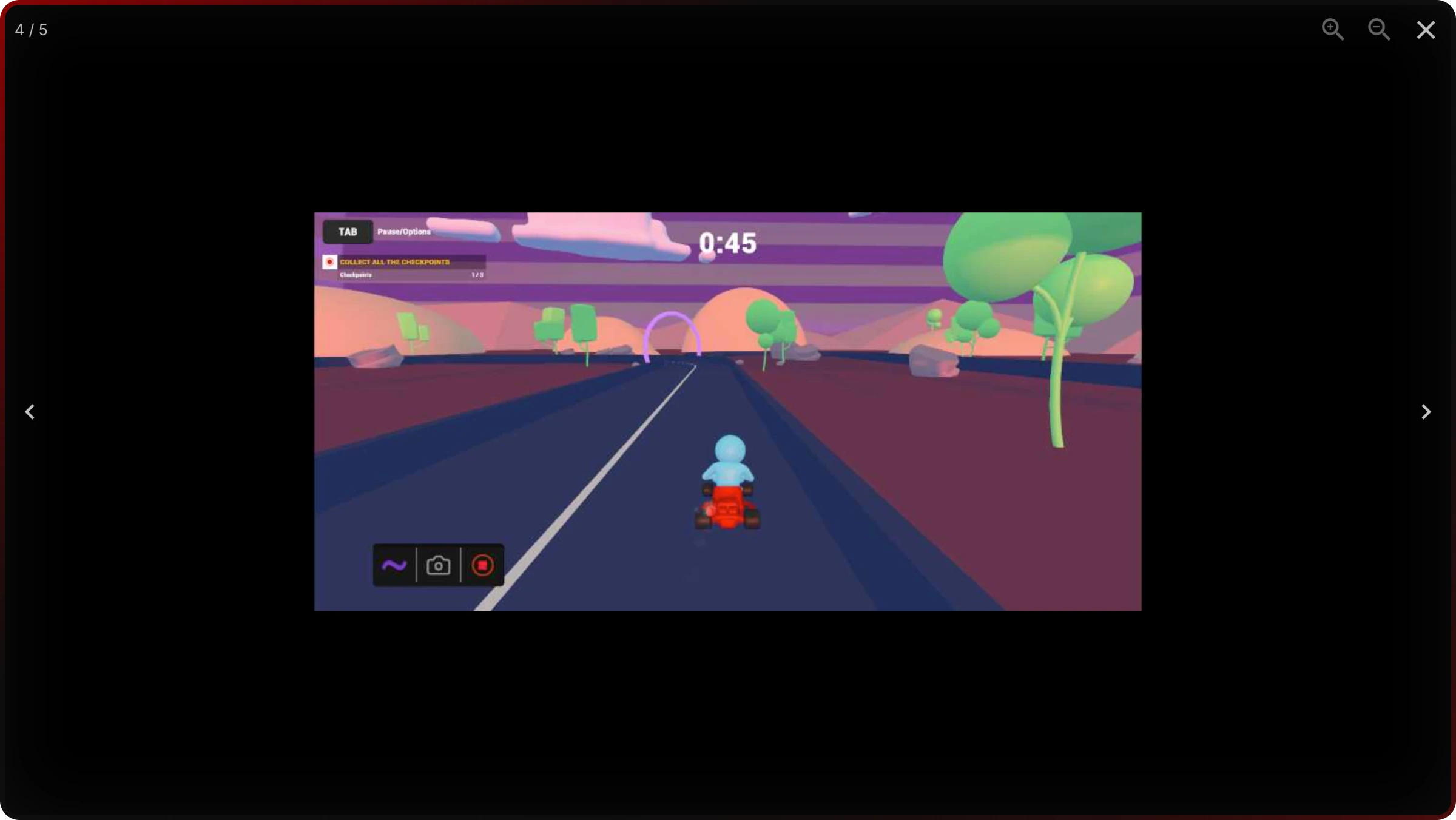
In the lightbox you can:
- Navigate between screenshots with the arrow buttons or keyboard
- Zoom up to 6× using the zoom controls, mouse wheel, or pinch gesture on mobile
- Download the current screenshot to your local machine
- Copy a link to the current screenshot, or share it directly with a teammate
Linking to a specific screenshot
Append ?screenshot=INDEX to the session URL to open a specific screenshot directly. Useful when filing a bug report or pointing a teammate to the exact frame.
Keyboard shortcuts
| Key | Action |
|---|---|
← → | Previous / next screenshot |
Space | Toggle zoom |
+ / - | Zoom in / out |
F | Toggle fullscreen |
D | Download current screenshot |
Escape | Close lightbox |
Related
- Logs Viewer — view the log output from the same session alongside screenshots
- Web Snapshots — manage and filter all snapshot sessions
- Unity Snapshots — how screenshots are captured from inside Unity